Modern customer expectations demand instant, accurate, and always-available support. Businesses that still rely only on manual replies often struggle with slow responses, missed leads, and rising support costs. This is where an AI chatbot for customer service becomes a practical and scalable solution.
In this article, we’ll explain why building your own AI agent matters, how it fits into your customer support strategy, and how you can get started quickly using a guided approach. We’ll also point you to a step-by-step implementation guide and related resources so you can go deeper when needed.
Why Businesses Are Turning to AI Chatbots for Customer Service
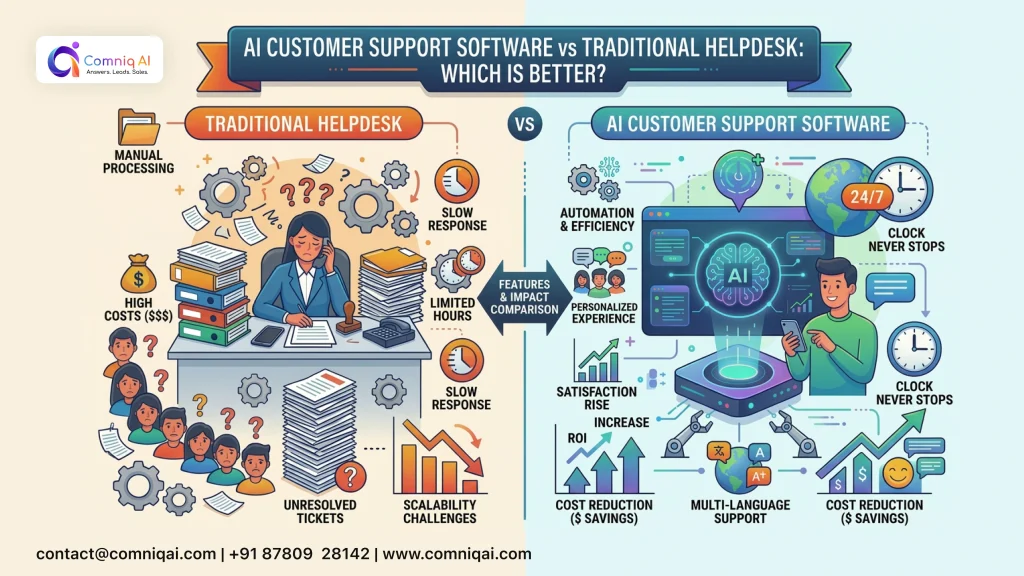
Customer support is no longer limited to business hours. Visitors expect answers immediately, whether they are asking about pricing, features, or next steps. An AI chatbot for customer service helps businesses:
- Respond to customer questions 24/7
- Reduce dependency on human agents for repetitive queries
- Capture leads even when teams are offline
- Provide consistent and accurate answers at scale
Instead of replacing human agents, AI chatbots work alongside them by handling common questions and routing complex issues to the right team.
If you’re exploring how automation directly impacts operational costs, this article is worth reading: AI Chatbots Help Companies Cut Support Costs
What Makes a Modern AI Agent Different From Basic Chatbots?
Traditional chatbots rely on fixed rules and predefined flows. Modern AI agents are trained on real business data such as websites, documents, and FAQs. This allows them to understand intent and deliver more relevant answers.
A modern AI chatbot for customer service can:
- Learn directly from your website content
- Adapt responses based on user intent
- Improve accuracy through testing and fine-tuning
- Match your brand’s look and tone
To understand how AI chatbots differ from general-purpose tools, you can explore: AI chatbot vs ChatGPT – What’s the difference?
Building Your First AI Agent: What the Process Looks Like
Creating an AI agent might sound technical, but modern platforms have simplified the process so that anyone can do it. The entire journey typically includes four core stages:
- Creating and training the AI agent
- Testing and improving response quality
- Customizing the chat widget
- Deploying it live on your website
Each step focuses on usability and speed, allowing businesses to launch without development effort.
Training Your AI Agent With Real Business Knowledge
The foundation of an effective AI chatbot for customer service is training data. Instead of manually writing scripts, you can train your AI agent using:
- Your website pages
- Help documents or PDFs
- FAQs and product documentation
Once your website is scanned, you choose which pages the agent should learn from. The system automatically extracts relevant information and starts training the AI agent so it can answer customer questions accurately.
This approach ensures that responses stay aligned with your actual business content rather than generic replies.
Testing and Fine-Tuning for Better Accuracy
After training, testing becomes essential. A testing area allows you to chat with your AI agent before making it live. This step helps you:
- Review how the agent answers real questions
- Identify gaps or unclear responses
- Improve accuracy with small adjustments
Testing ensures that your AI chatbot for customer service delivers value from day one and reduces the risk of confusing or incorrect answers.
Customizing the Chatbot to Match Your Brand
A chatbot is part of your customer experience, so appearance matters. Most platforms allow you to customize:
- Brand colors and theme
- Widget size and placement
- Header text and greeting message
- Logo and visual elements
A branded chatbot builds trust and feels like a natural extension of your website rather than a third-party tool.
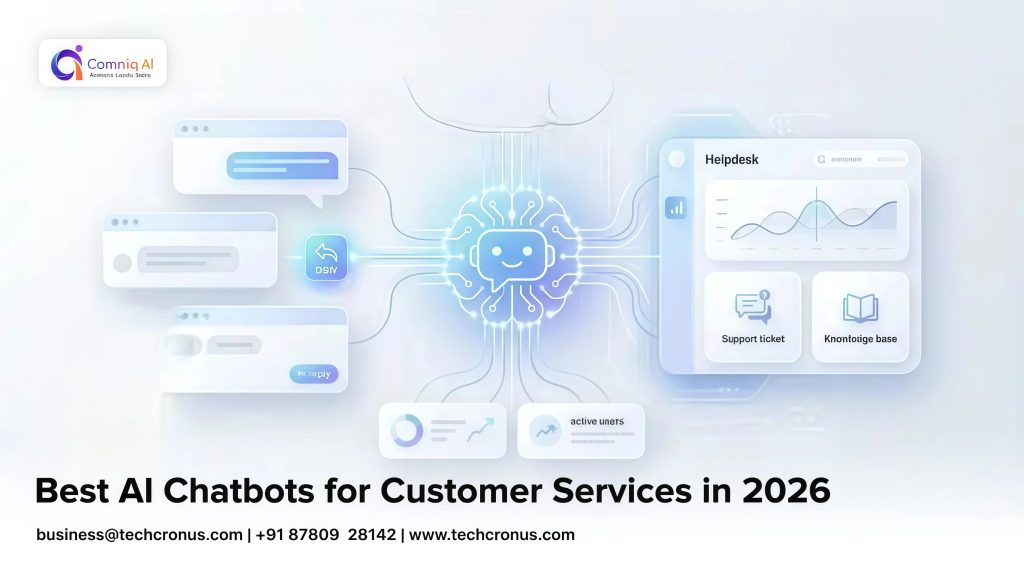
If you’re evaluating different solutions, you may also want to compare platforms here: Best AI Chatbots for Customer Services
Deploying Your AI Agent Without Technical Complexity
Deployment is often the biggest concern for non-technical teams. Modern AI platforms simplify this by providing a ready-to-use embed code.
The typical process includes:
- Copying a JavaScript snippet
- Pasting it into your website’s HTML or CMS
- Refreshing your website to activate the chatbot
Once deployed, the chatbot appears on your website and immediately starts assisting visitors.
A Practical Way to Get Started Faster
If you want a clear, hands-on walkthrough that shows each step, from training to deployment, you can follow the official setup guide provided by ComniqAI.
Build your first AI agent here: ComniqAI AI Agent Setup Guide
This guide is designed for beginners and walks you through creating, testing, customizing, and launching an AI agent in just a few minutes, no technical background required.
How AI Chatbots Improve Customer Engagement Long-Term
Once live, an AI chatbot for customer service continues to deliver value by:
- Reducing response times
- Increasing lead capture
- Supporting customers across time zones
- Allowing human agents to focus on complex issues
Over time, businesses see higher engagement rates and improved customer satisfaction because visitors always get timely answers.
Final Thoughts
Building an AI chatbot for customer service no longer requires developers or long implementation cycles. With the right platform and a clear guide, businesses can launch an AI agent quickly and start improving customer experience immediately.
If you’re serious about scaling support, reducing costs, and engaging customers 24/7, starting with a structured setup guide is the smartest first step.